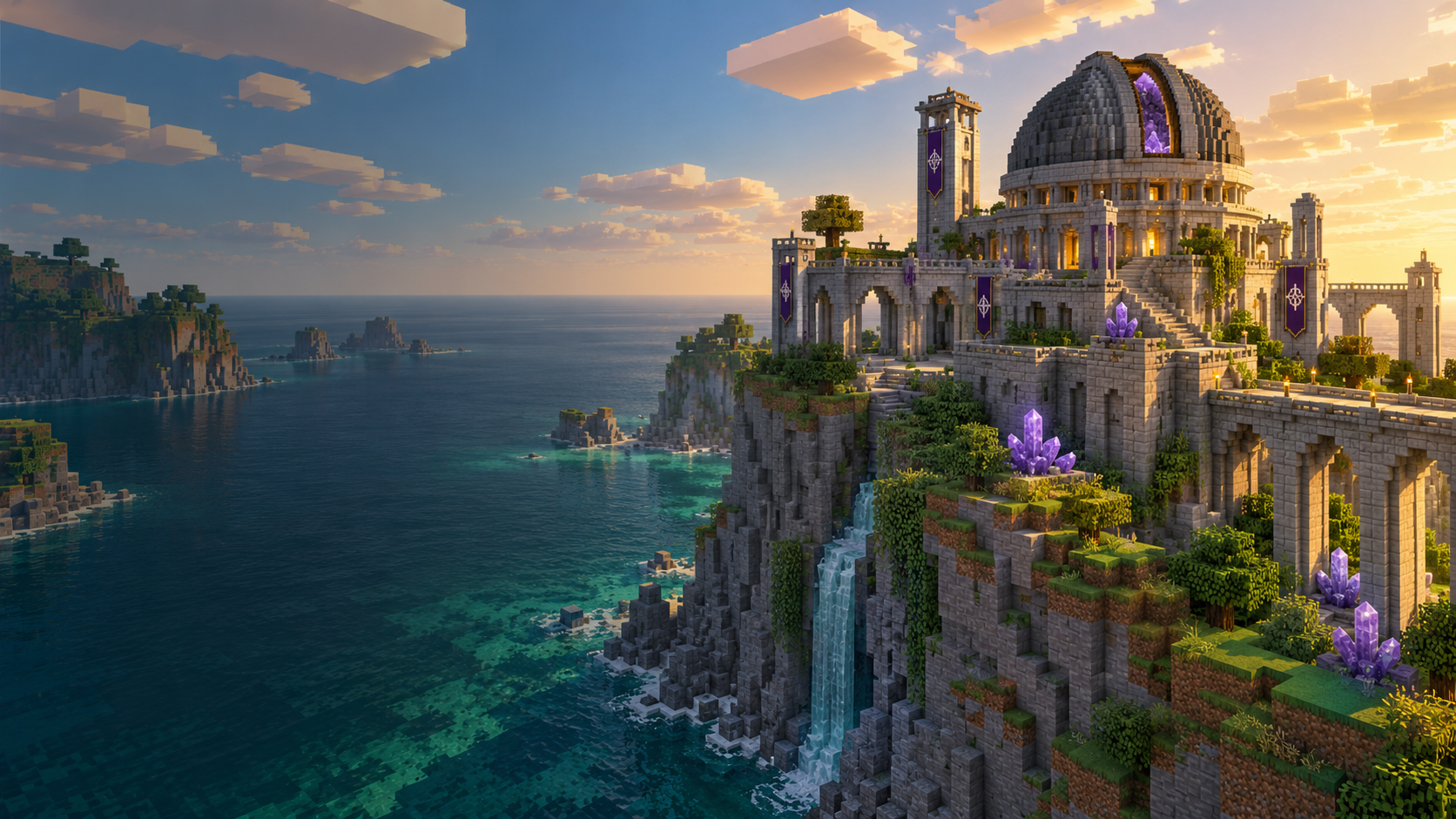
Minecraft Java Edition
Astra Client
Your worlds, mods and Minecraft versions.
Ready for your next adventure.
Windows 10 / 11 · 64-bit
Made for your next adventure
More time in your world.
A familiar home for Minecraft and the mods you love.
Before you jump in
A little help.
Download, open Astra and sign in with the Microsoft account you use for Minecraft.
How do I install Astra Client?
Download for Windows and open AstraClient.exe. Astra installs itself and opens the launcher.
Which account do I use?
Use the Microsoft account that owns Minecraft Java Edition. You can log in here or in Astra. The launcher keeps its own login so your Minecraft session stays on your computer.
What happens when an update is available?
Astra checks when it starts and installs available updates. Your accounts, settings and Minecraft instances stay with you.
Your next world is waiting.
Start with Astra Client.